Your IMEI (International Mobile Equipment Identity) is a unique 15-digit code that identifies your mobile device. Here are several ways to find it:
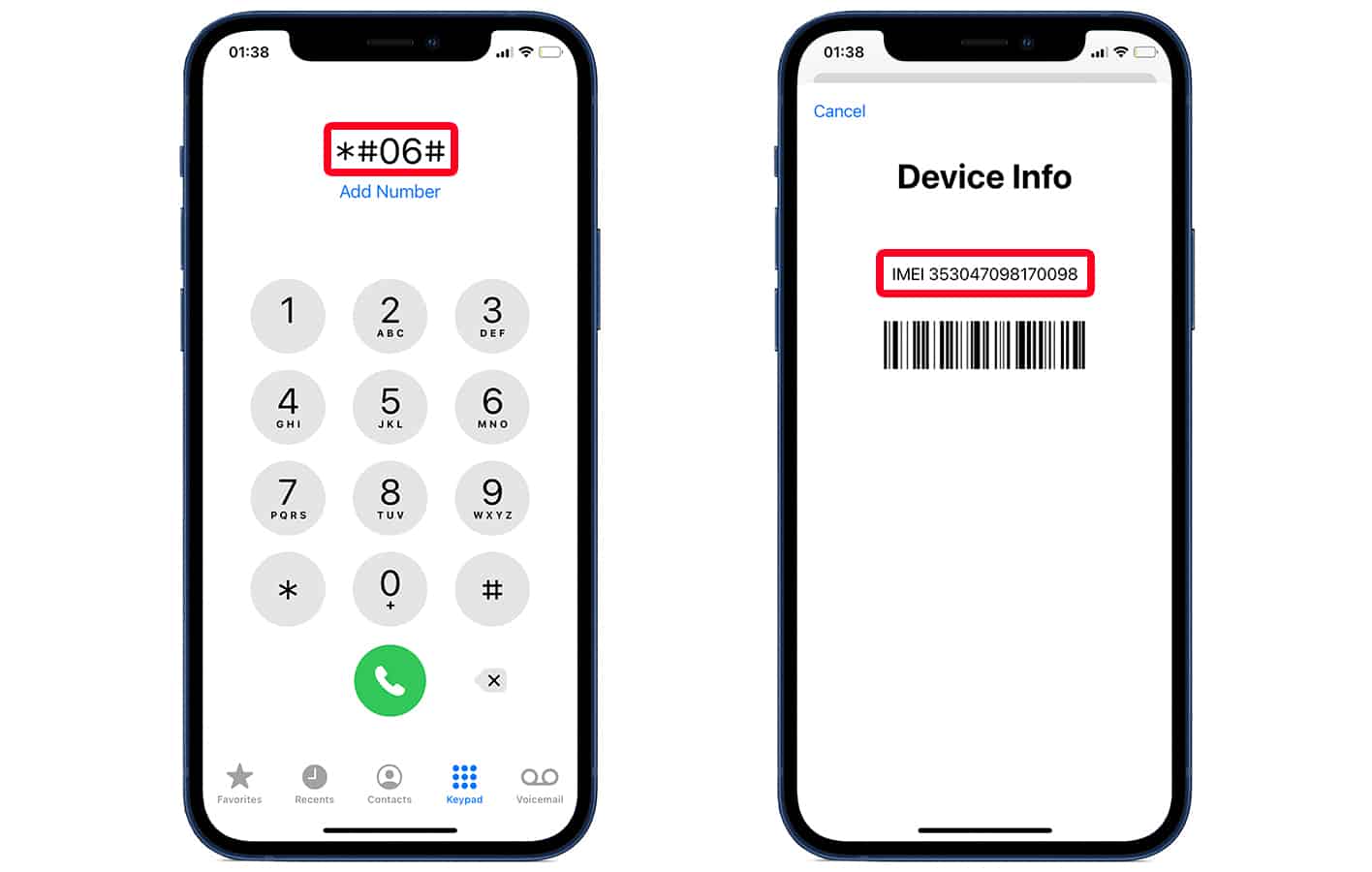
Method 1: Dial *#06#
The fastest way - simply dial *#06# on your phone and the IMEI will appear instantly.
Method 2: Check Settings
iPhone: Settings > General > About
Android: Settings > About Phone > Status
Method 3: Physical Device
Check the original box, SIM tray, or back of the device (on older models).